Launcher Update Required, error DL-8010 or DL-8011 when downloading a game
We recently updated our download security policy. If you encounter the error DL-8010 or DL-8011, it means the title you're trying to download requires an Epic Games Launcher version 18.7 or newer.
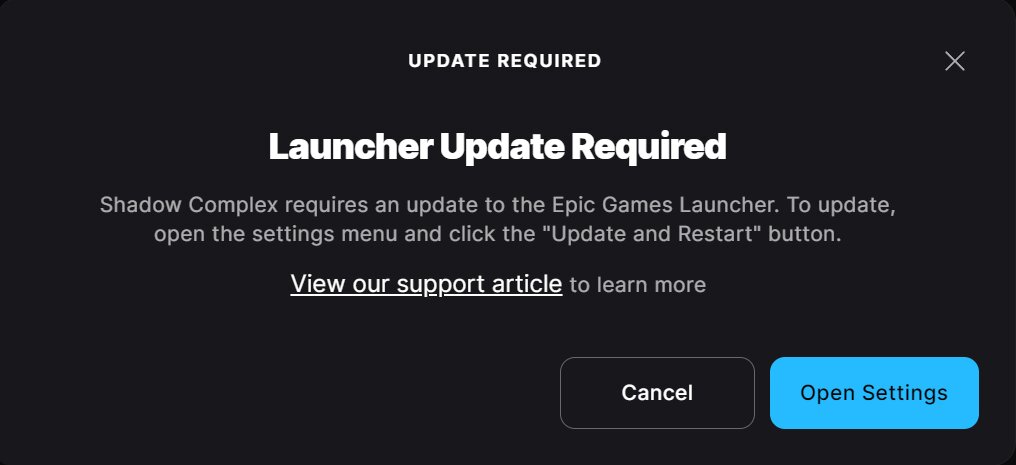
Check if there is an update available for the Launcher:
Click the Settings icon in the top right corner of the Launcher that is located next to the Profile icon.
Select Settings.
If you see a RESTART AND UPDATE button, select it to update the Launcher
You may need to accept a User Access Control (UAC) prompt. Refer to Why am I getting a Windows security prompt when updating or installing the Epic Games Launcher?
If your launcher is up-to-date, and you still see this error when starting the launcher, please gather your launcher logs and submit a support ticket, so our team can investigate. Refer to How do I gather logs for Epic Games Launcher?