How to toggle Ranked and Team Fill modes in Fortnite
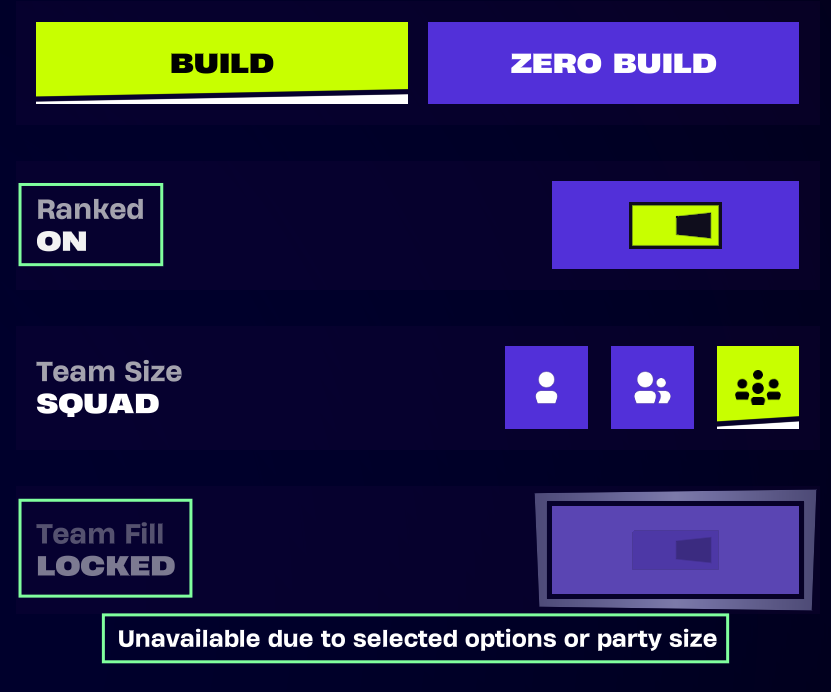
You can toggle the Team Fill and Ranked features in Fortnite by:
Choosing the preferred game mode on the main page.
Selecting the Ranked button that appears above the Play button
Options to toggle Ranked and Team Fill modes will appear on the right side of the screen, as well as options for Solo, Duo, Trio, and Squad.
The Team Fill option is intended to be greyed out in Fortnite Ranked Battle Royale and Ranked Reload to ensure competitive balance. The Team Fill button may automatically toggle on based on your party size. For example, if you are playing alone in Ranked Reload but select the Squads option as your Team Size, the Team Fill button will toggle on, allowing you to enter the match with random teammates.