更改您 Epic Games 账户上的邮件地址
If you are a child and your parent hasn't helped you set up your account, you may have a Cabined Account with different features. Visit this page (在新选项卡中打开) if you think you might have a Cabined Account to learn more.
如果您无法访问当前您 Epic Games 账户上的邮件地址
请按以下步骤操作:
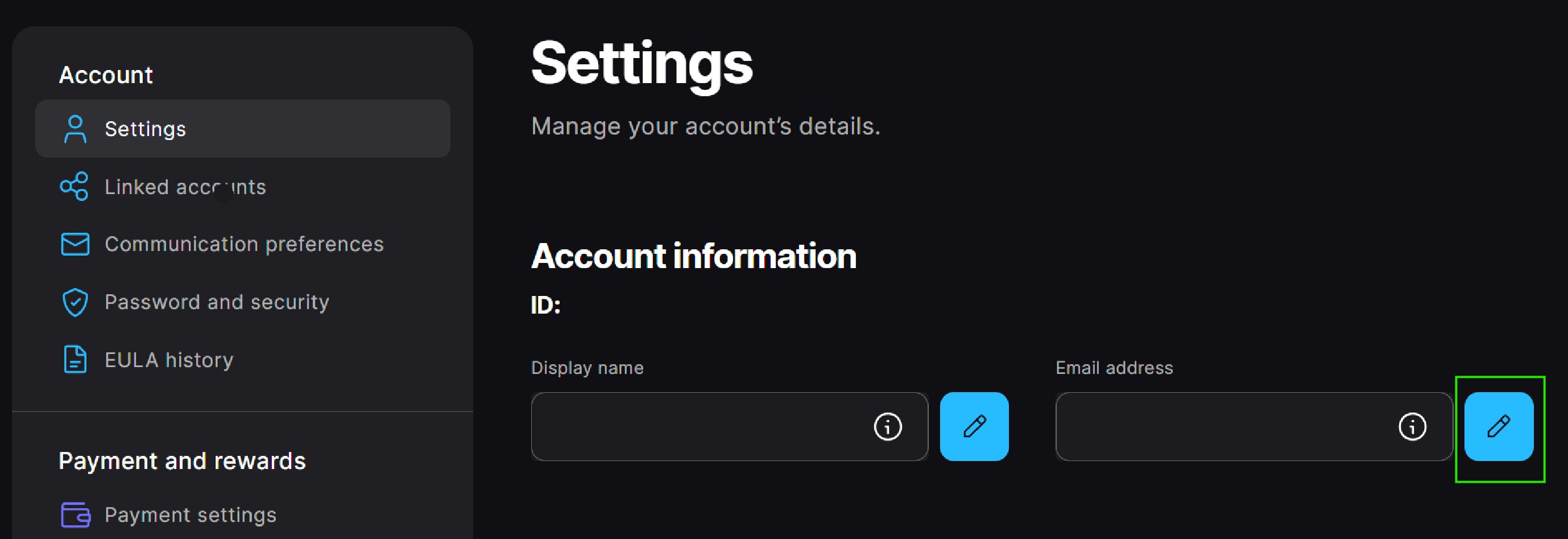
Sign in to your Epic Games account and then go to the Account settings (在新选项卡中打开).
In the Account Settings section, select the Edit button to the right of your email address.
In the pop-up window, enter your new email address and then select Continue.
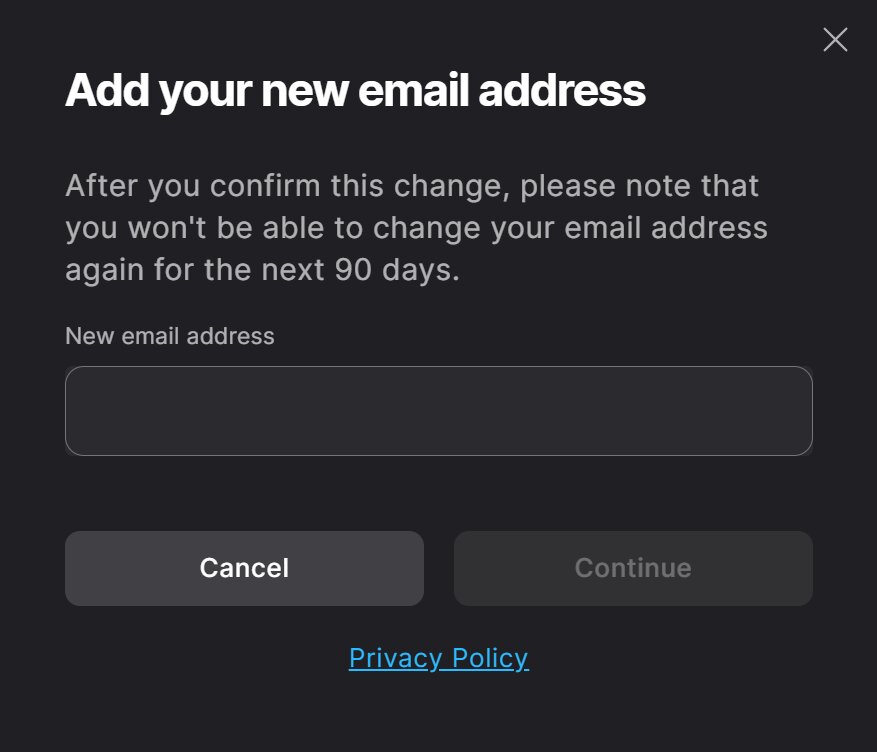 You must enter an email address that's not in use on another Epic Games account.The email address can only be changed once every 90 days.
When you select Continue, an automated email with a security code is sent to the current email on the account, and an Enter Security Code window will appear. Don't close this window.In the current email on your Epic Games account, find the email with the security code and enter the code into the pop-up window.
The email title will be “Email Change Request - Security Code.” If you can’t find this email, check your spam folders.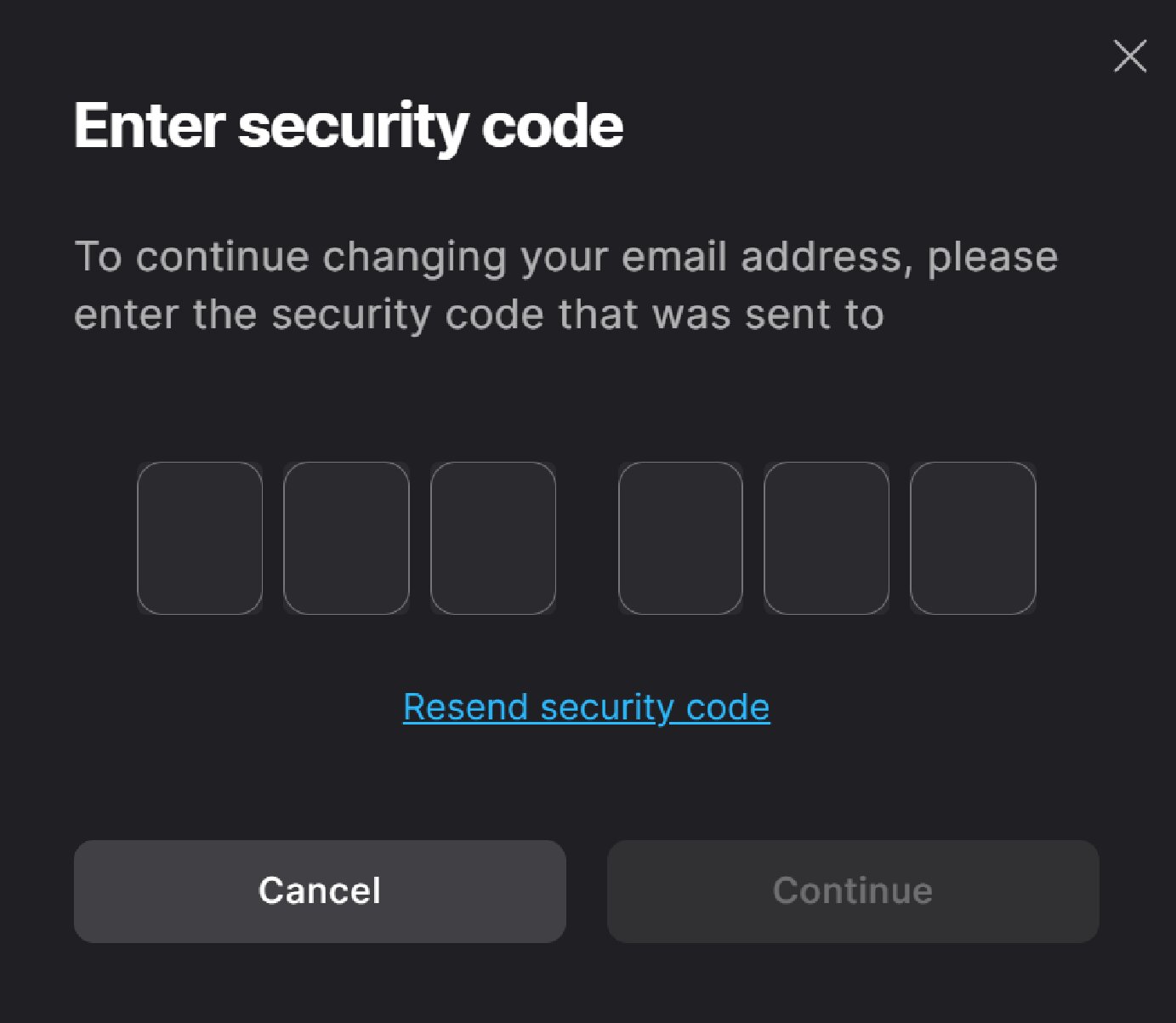
Select Continue.
An automated email with a verification link is sent to the new email address on the account, and a Please Verify Your Email Address pop-up window will appear.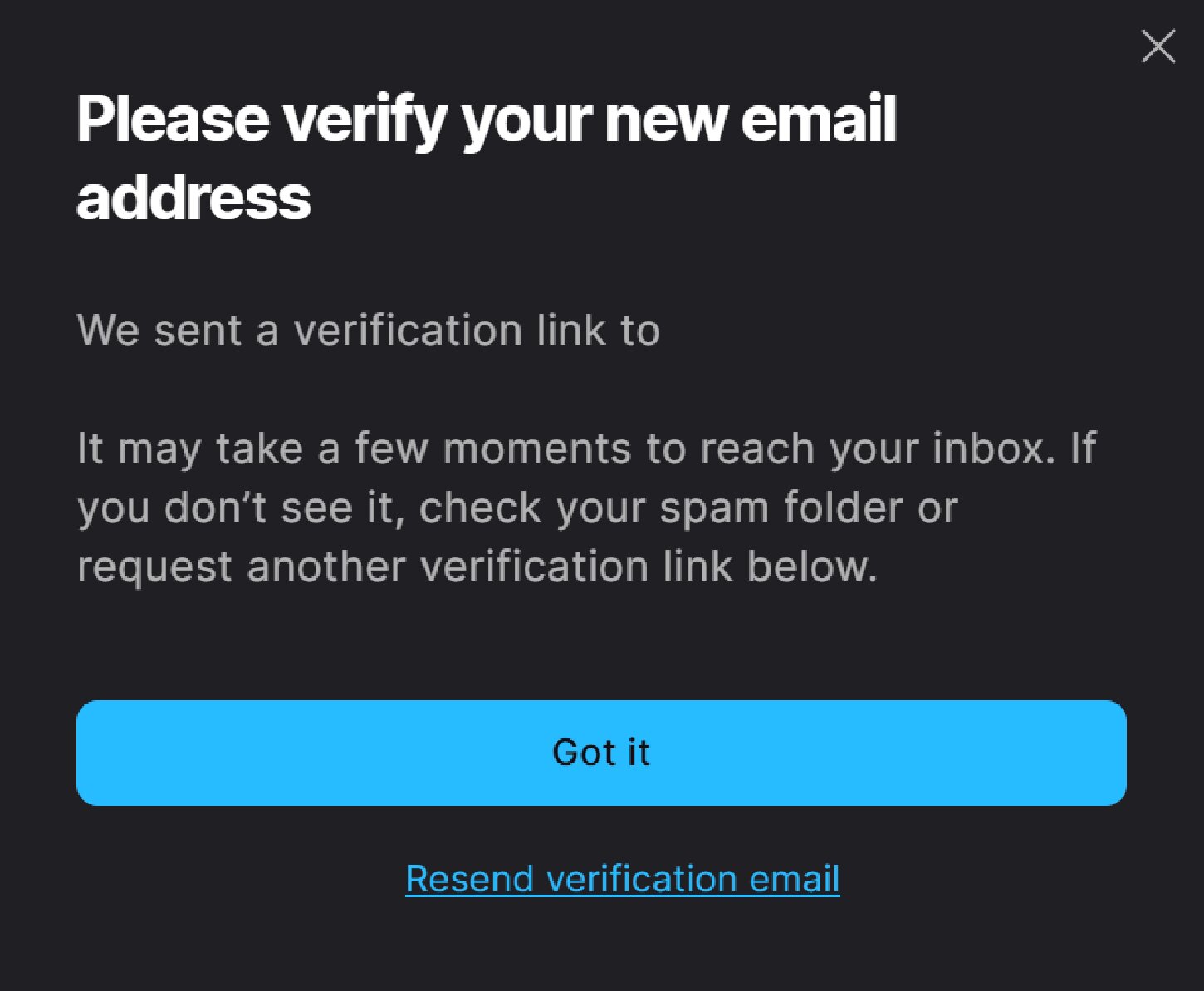
在您新邮件地址的收件箱中找到验证邮件,并点击验证您的邮件地址。
该邮件的标题为:请确认您的电子邮件地址。如果您找不到这封邮件,请检查您的垃圾邮件文件夹。
如果您是在另一个浏览器窗口或设备中打开了该电子邮件,则您将被要求登录 Epic Games 账户。执行此操作时,请使用之前的电子邮件地址(也就是您现在正在更改的邮件地址)登录。
您将在新邮件地址中收到确认信息。您已成功修改邮件地址!
如果您无法访问当前您 Epic Games 账户上的邮件地址
To start the email change process, follow the instructions in How can I recover access to my Epic Games account?
如果您不记得 Epic Games 账户当前的邮件地址
出于账户安全原因,我们无法直接告诉您账户对应的邮件地址,但如果您可以使用关联账户登录,或许以下方式能帮助您回忆起该邮件地址:
Go to the Account settings (在新选项卡中打开) and look at the email in the Account information section. You’ll be able to see the first and last characters and the domain of the email address associated with your account.
If you remember your account password, you can reset your password in the Password and Security section. This will send a confirmation email to the current email address on the account.
If you still can't remember the email after trying the above, you can use our self-service flow to help you find your email.
Important: You have to be signed out of your account to use the self-service flow. If you are already signed in to the account where you forgot your email, do not sign out. Instead, open an Incognito window in your browser and then use the self-service flow: Search for your account email (在新选项卡中打开)
If neither of these options helps, and you still can’t remember the email address on your Epic Games account, please submit a support request and our team will help.