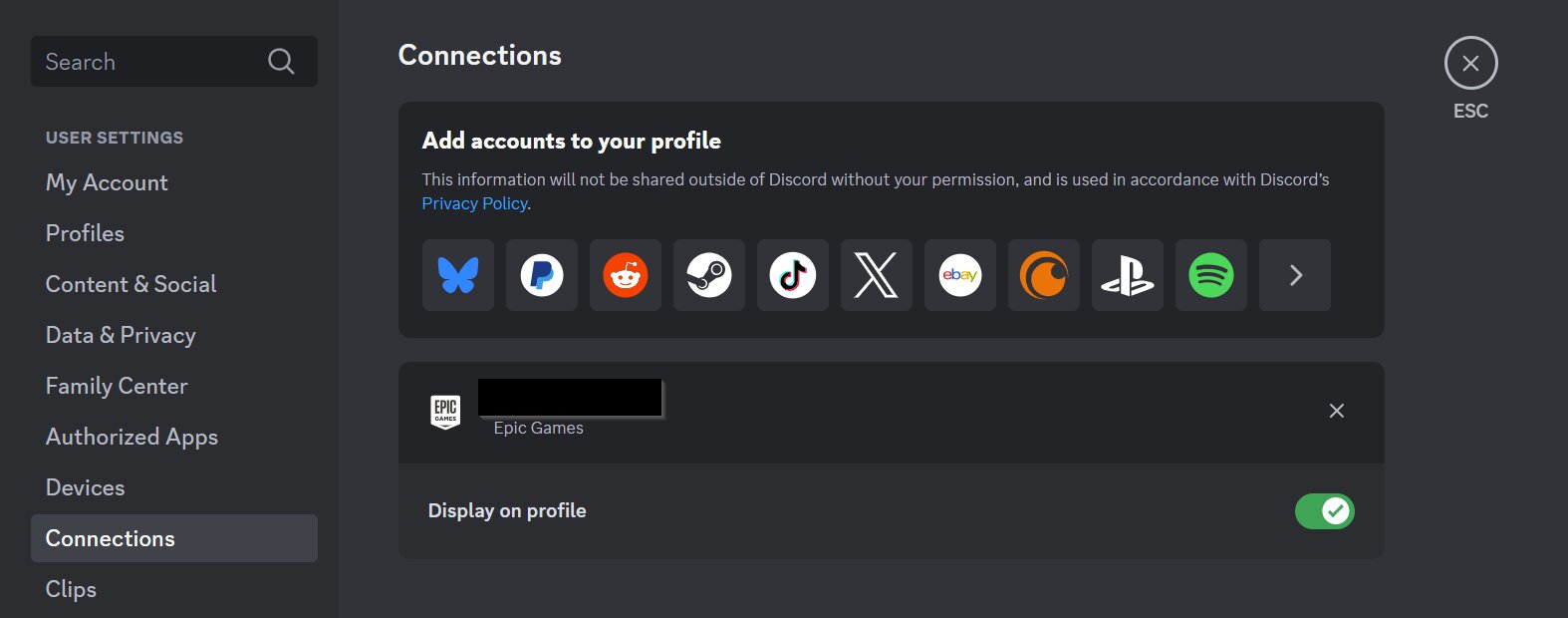
How do I link my Discord account to my Epic Games account?
To link your Discord account with your Epic Games account please follow these steps:
Before you begin, make sure you have the following:
Sign-in information for the Epic Games account you want to link
A computer or mobile device with an internet connection
Ensure that you are signed out of your Epic Games account
Open the Discord app on your preferred device
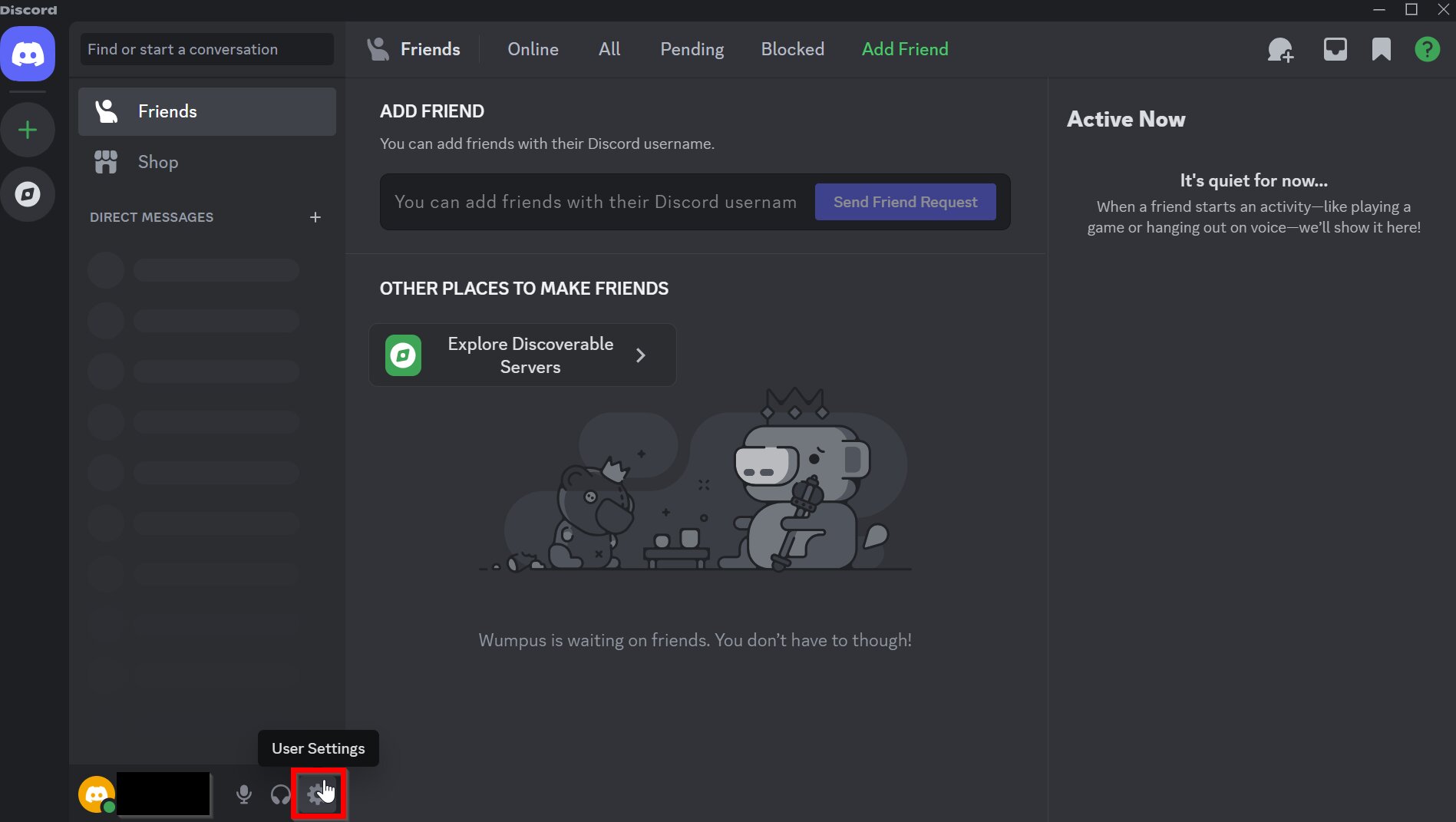
Click the gear icon to access User Settings
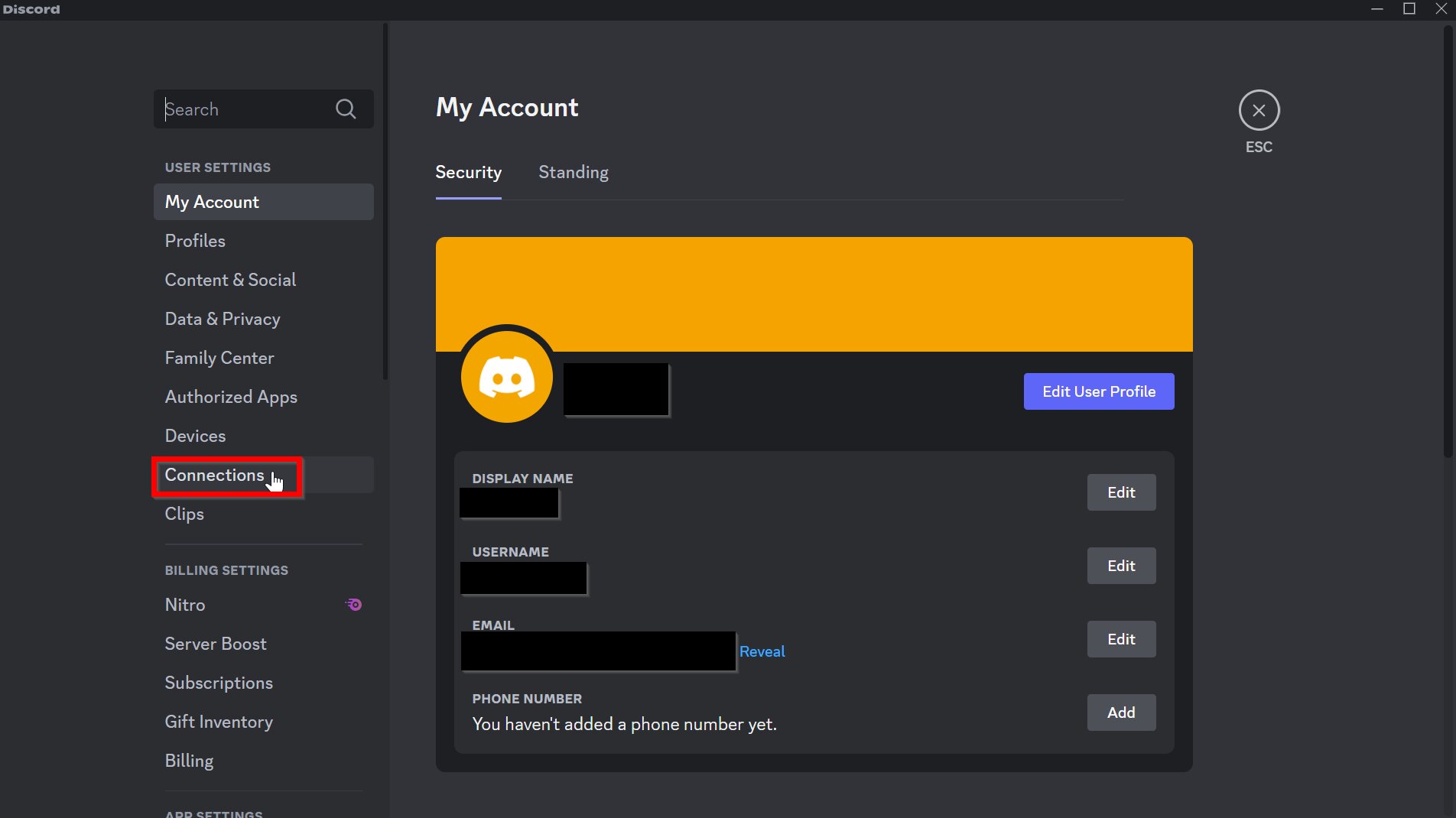
Under User Settings, select Connections
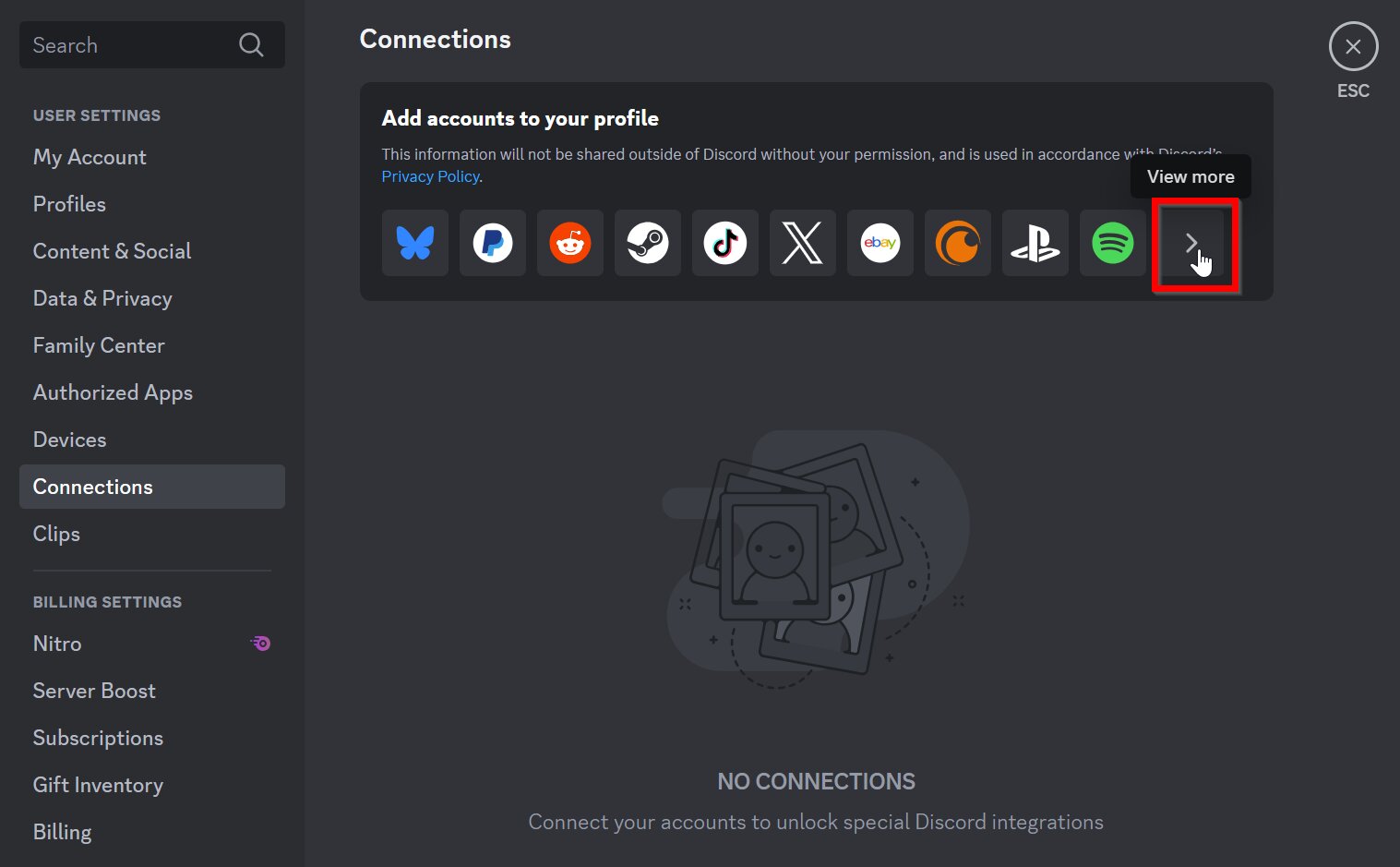
Click View More
Select Epic Games
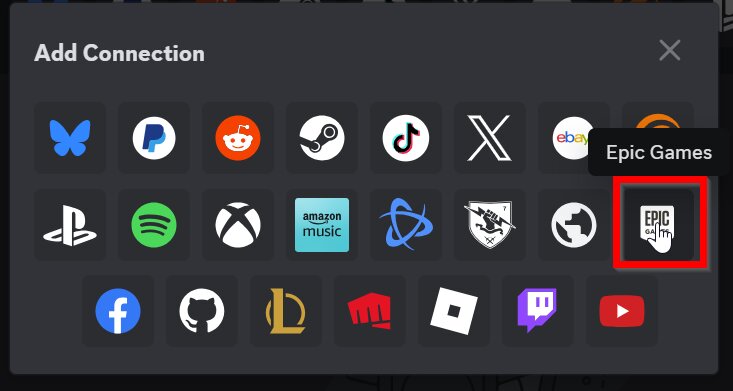
You will be taken to a browser page.
You will be prompted to log in. Log in using the Epic Games account credentials you want to link to your Discord account.
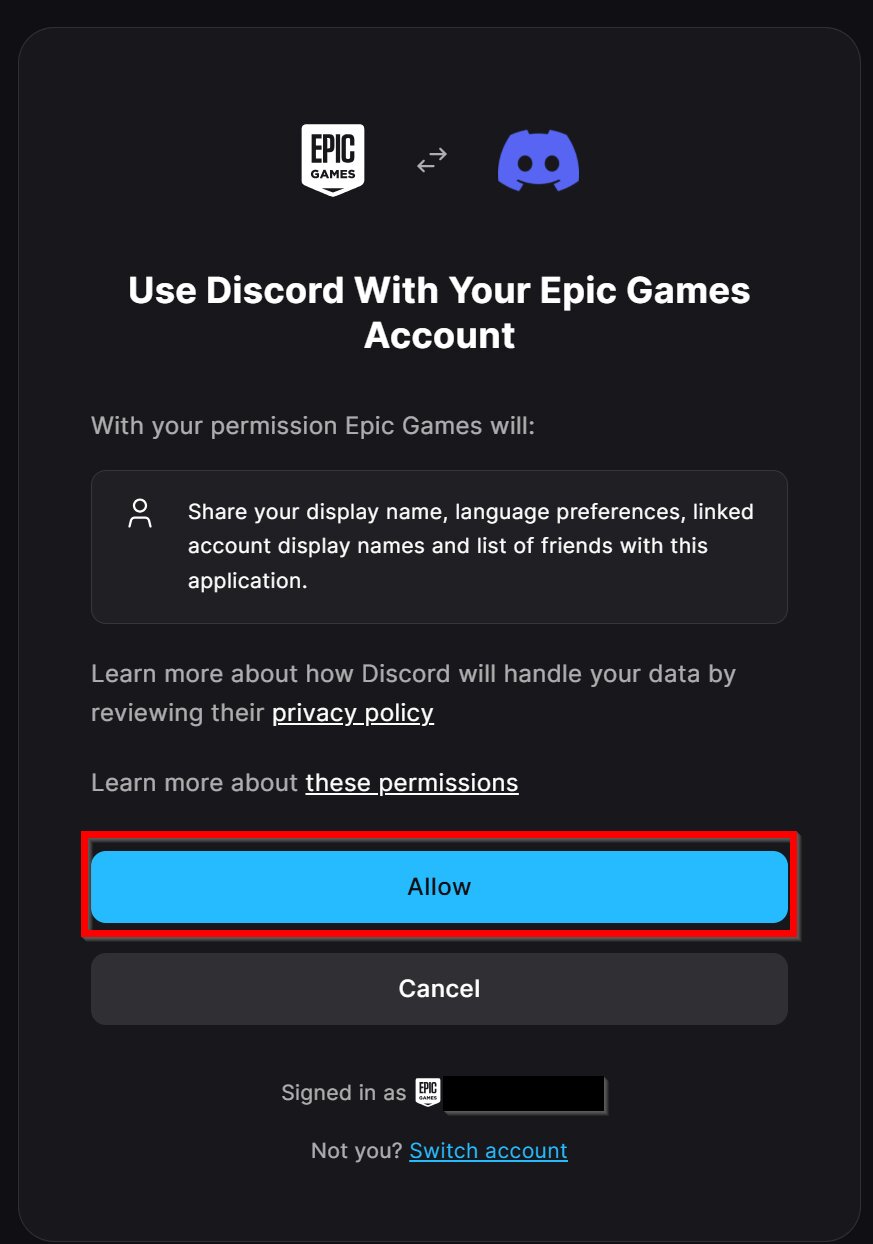
You'll see a prompt to use Discord with your Epic Games account. Click Allow.
You'll see a confirmation message on your browser
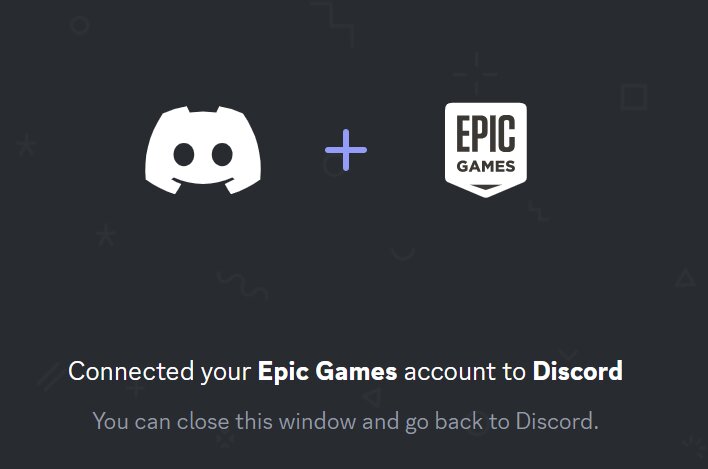
When you return to the Discord app, you'll see your Epic Games account on the Connections page