How to check if a game on the Epic Games Store supports cloud saves
Many games on the Epic Games Store support the Cloud Save feature. With Cloud Saves, your save files will be automatically stored on the cloud, making you able to use the same save files between different devices.
To check if a game supports Cloud Save:
Open the Epic Games Launcher.
Go to the Store and search for the game you are interested.
Open the game's store page and check the Features tags.
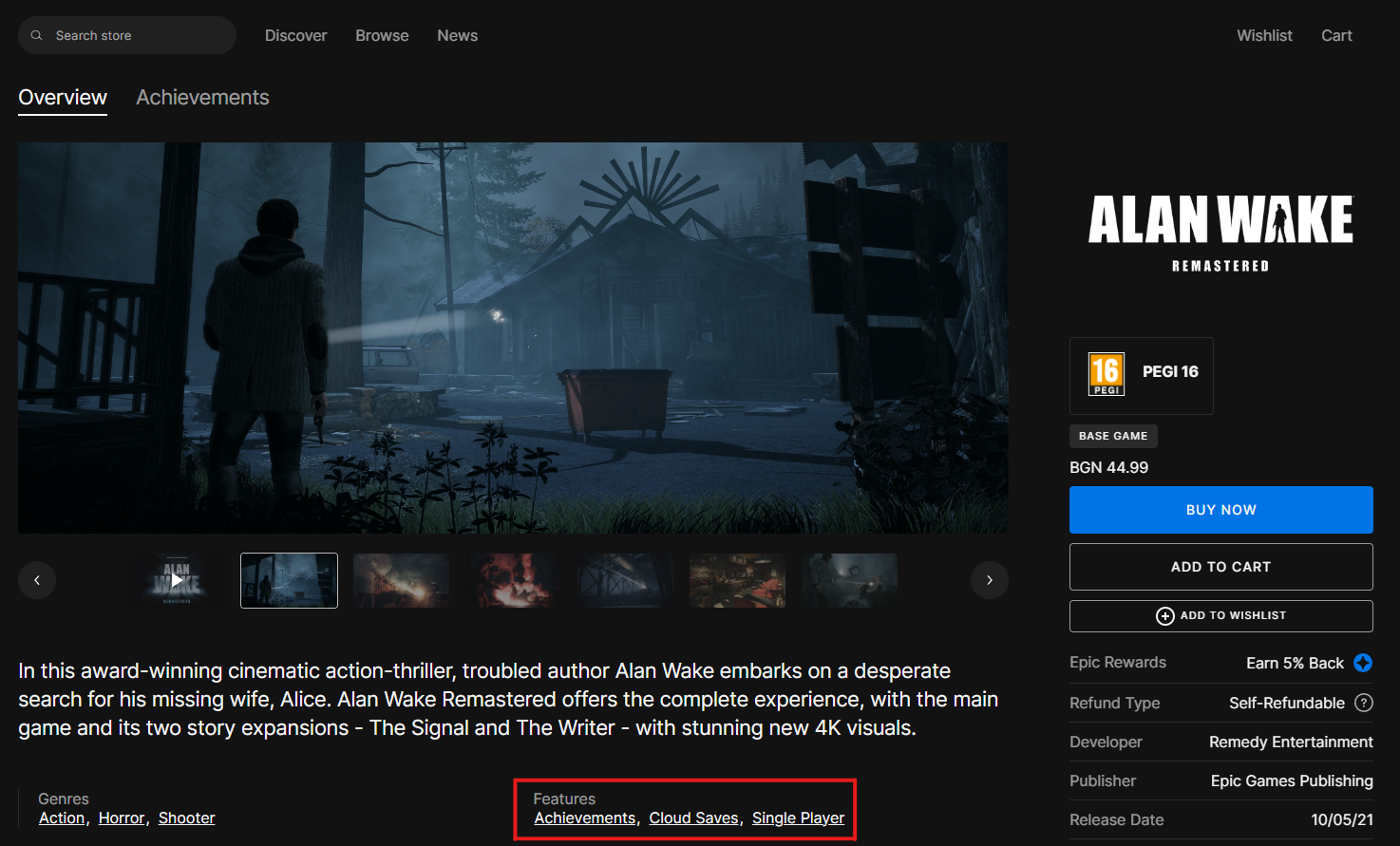
For a list of all the games that support Cloud Saves on the Epic Games Store, visit our filtered list that shows the games with Cloud Saves enabled. (Opens in a new tab)