How can I recover access to my Epic Games account?
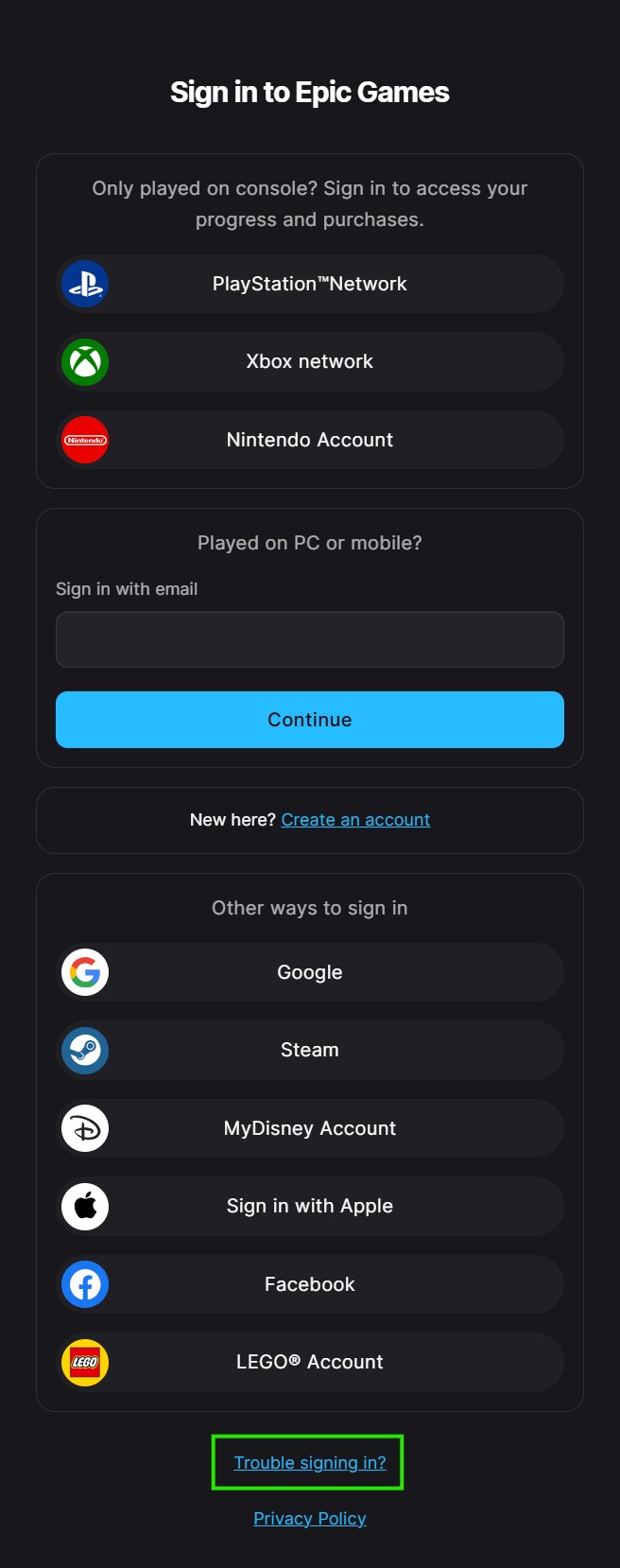
- If you are unable to sign in to your Epic Games account, go to Sign in (Відкриється в новій вкладці) page and scroll down to click on Trouble signing in? (Відкриється в новій вкладці)
- On the next screen, enter the email address that you used with your Epic Games account.
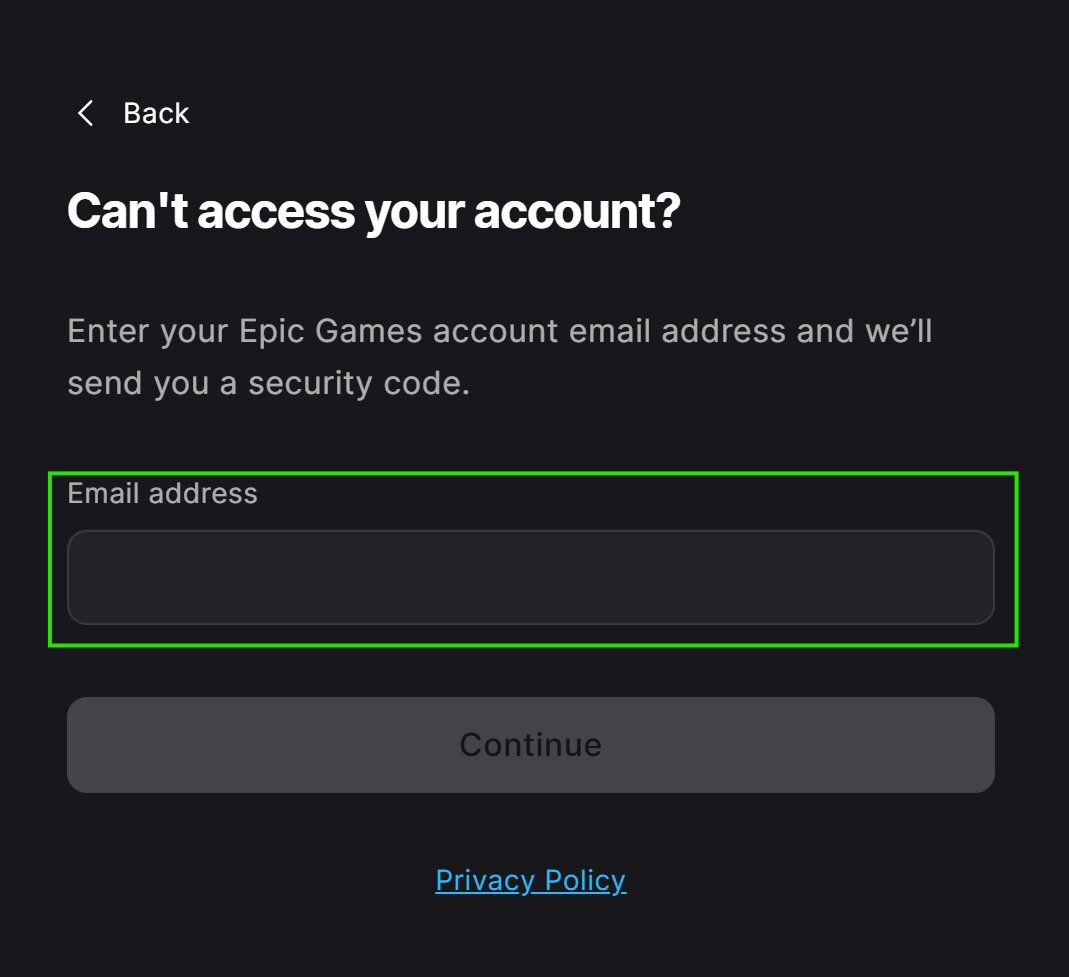
- If you don't remember what email was used, you can:
- Try following the steps in I don't remember the email on my Epic Games account
- Try adding any email in the required field so we can attempt to find your account.
- Once you add the email address and click Continue, proceed based on what you see:
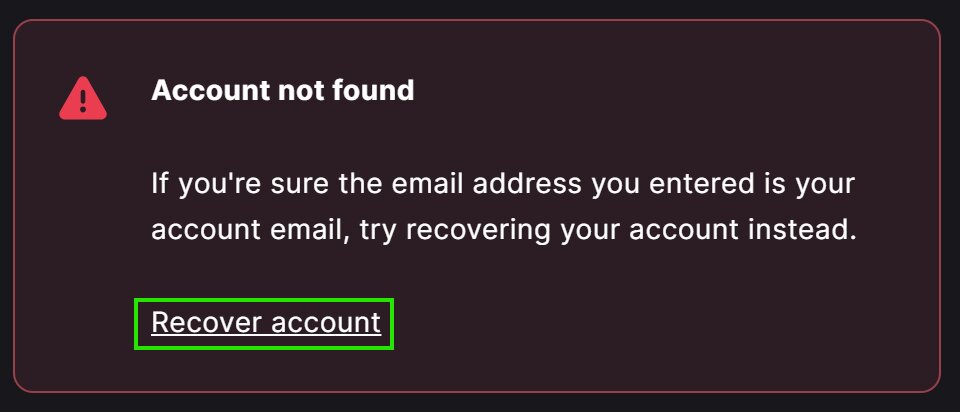
- If we can't find your account with that email, you will see an error. Click Recover account link in that error so we can try other ways to find and recover your account.
- If we can find your account, we will try to recover it in one of the following ways:
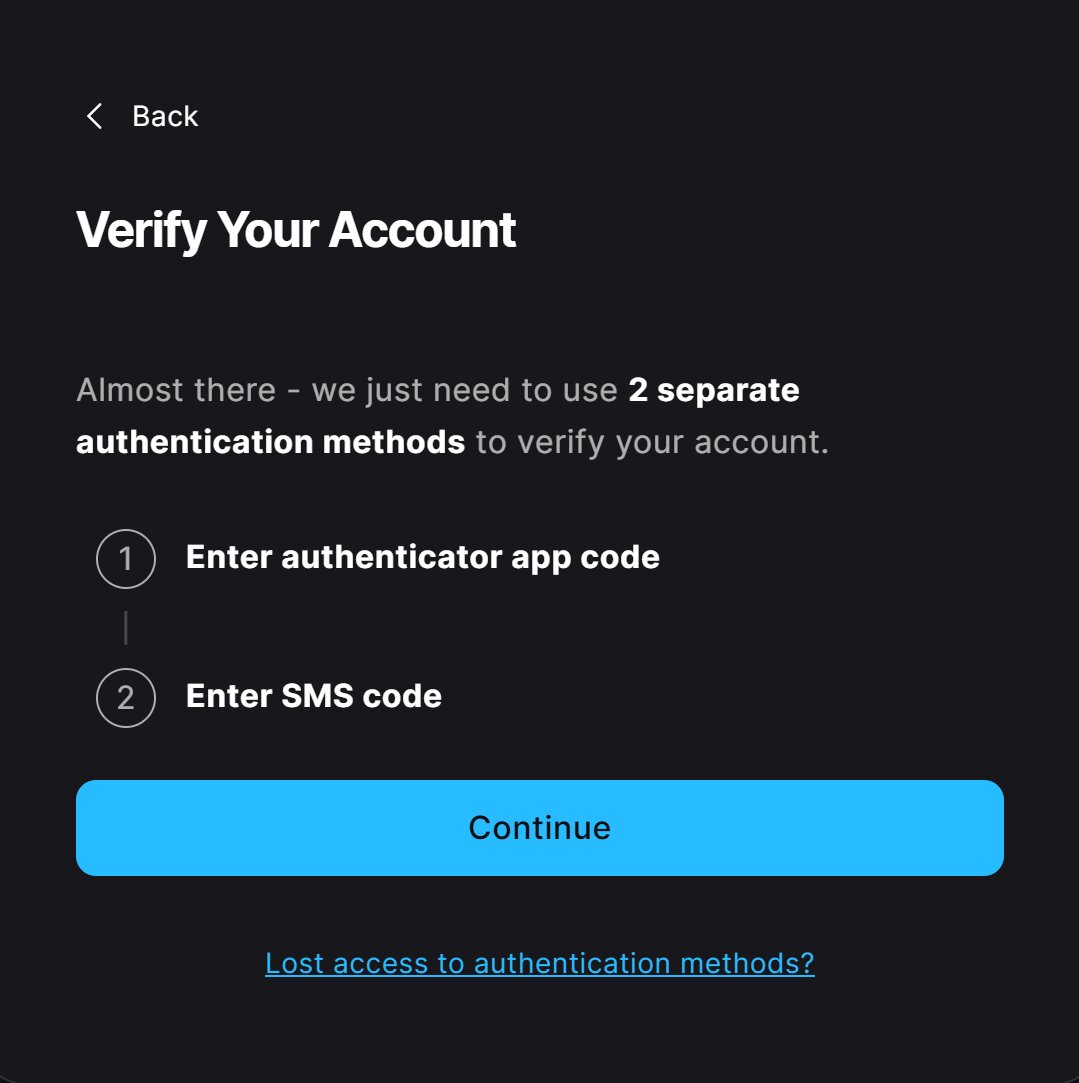
- If you have enabled Authenticator app and SMS as Two-Factor authentication (2FA) methods, you will be asked to verify your request through these two methods. Click continue and follow the on-screen instructions to complete this verification and recover your account.
- If we can't verify your request through 2FA, we will try to help you reset your password. In this case, a security code will be sent to your email. After you copy it in the required fields and click Continue, you will be asked to enter a new password for your account, which you can use to sign back in.
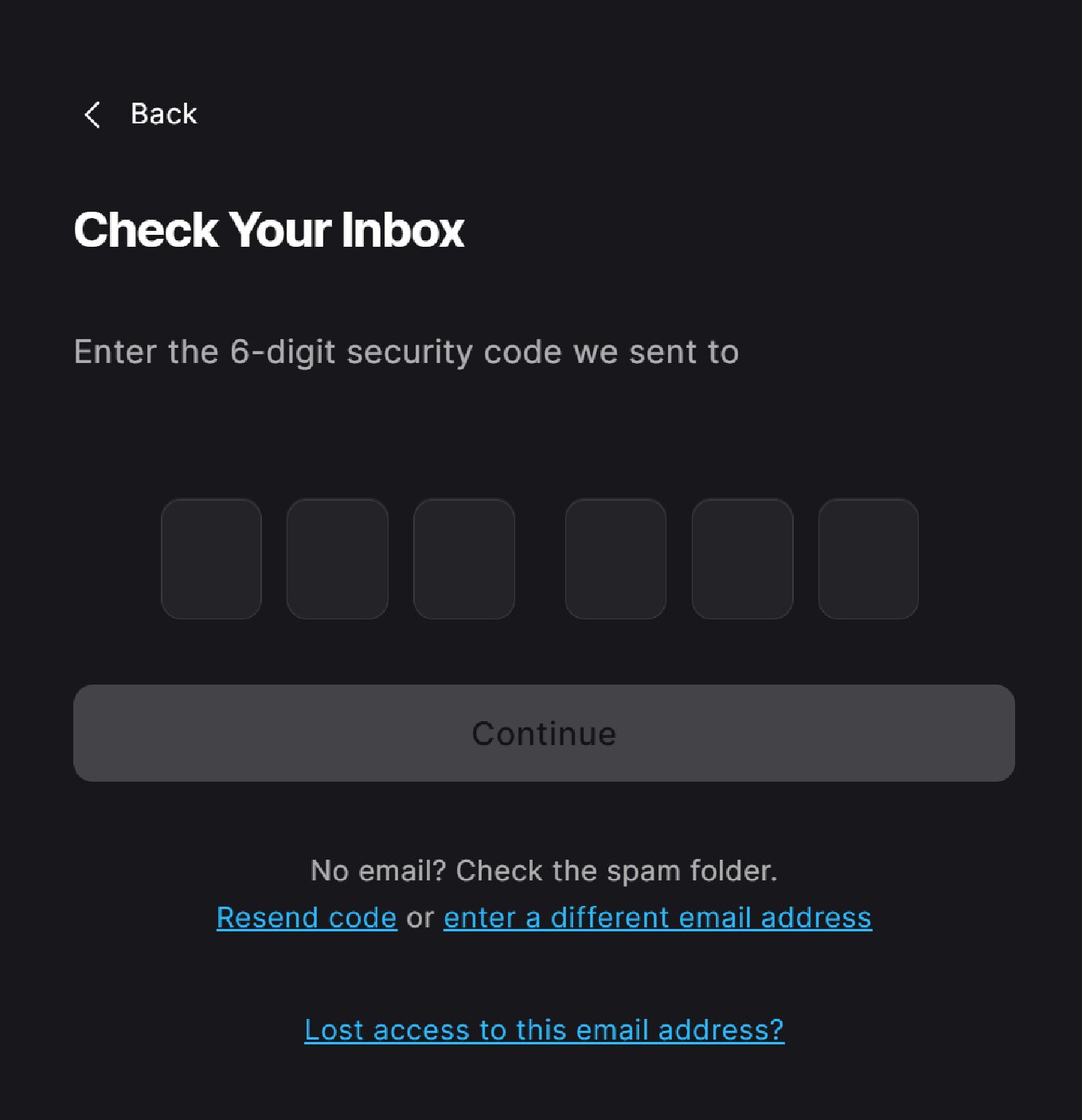
- If you don't receive the security code, follow the steps in Why don’t I get emails from Epic Games support?, and then retry this process.
- If you lost access to your email or if this signed you in to the wrong Epic Games account, select Lost access to this email address? (Відкриється в новій вкладці)
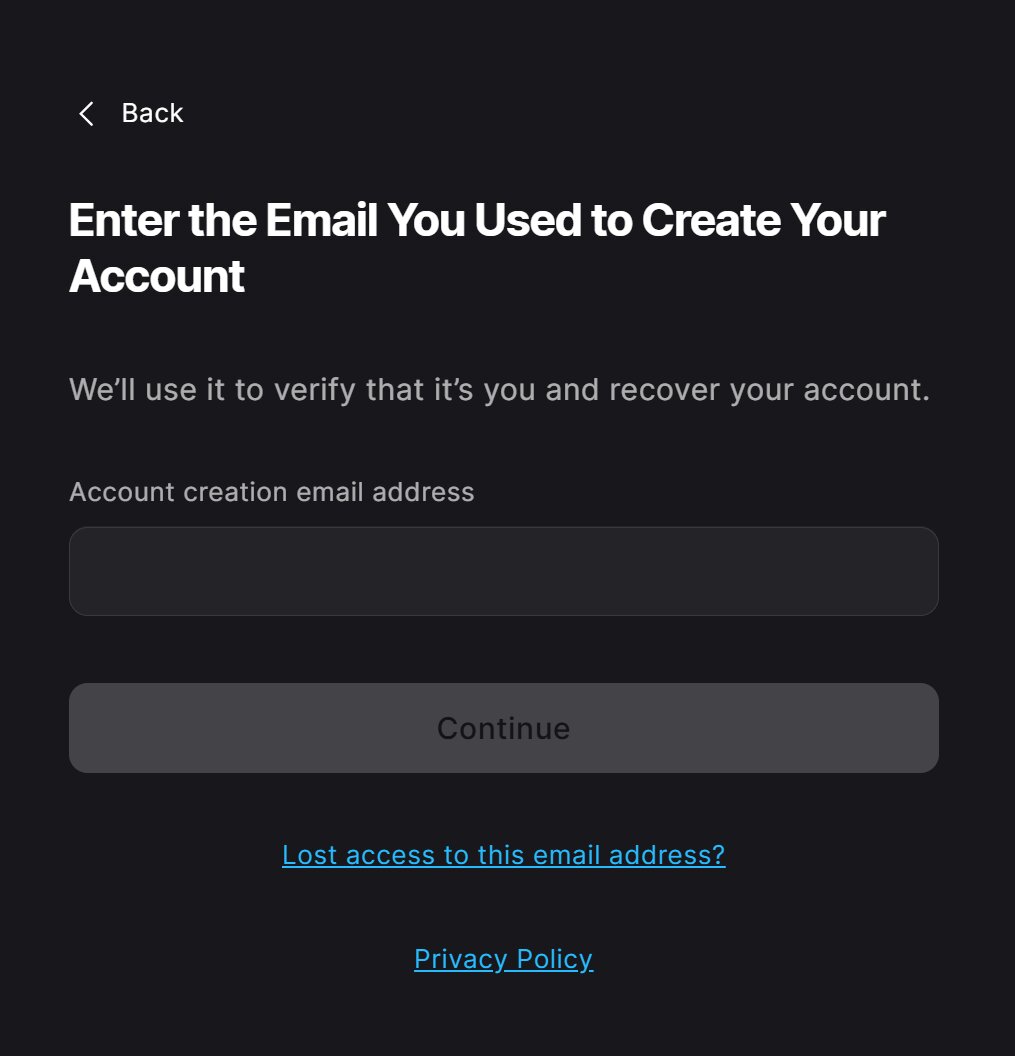
- In case those methods don't work, you will be asked to enter the email address you used to create your Epic Games account.