My download is stuck on the Epic Games Launcher
If your game is getting stuck while downloading, you can try the following steps to troubleshoot the issue depending on the launcher version you are using:
Legacy Epic Games Launcher
Open the Epic Games Launcher, then sign out of your account. Refer to How do I log out of the Epic Games Launcher?
Open the Task Manager by right-clicking on your taskbar and choosing Task Manager.
Click the Processes tab and find the Epic Games Launcher.
Right-click on Epic Games Launcher and choose End Task.
Open the Epic Games Launcher again, and click the gear icon in the bottom left corner to open Settings.
Check the box to Enable Debug Logging and then click Enable now.
Click the back arrow to return to the log in screen of the launcher.
Click Sign In Later.
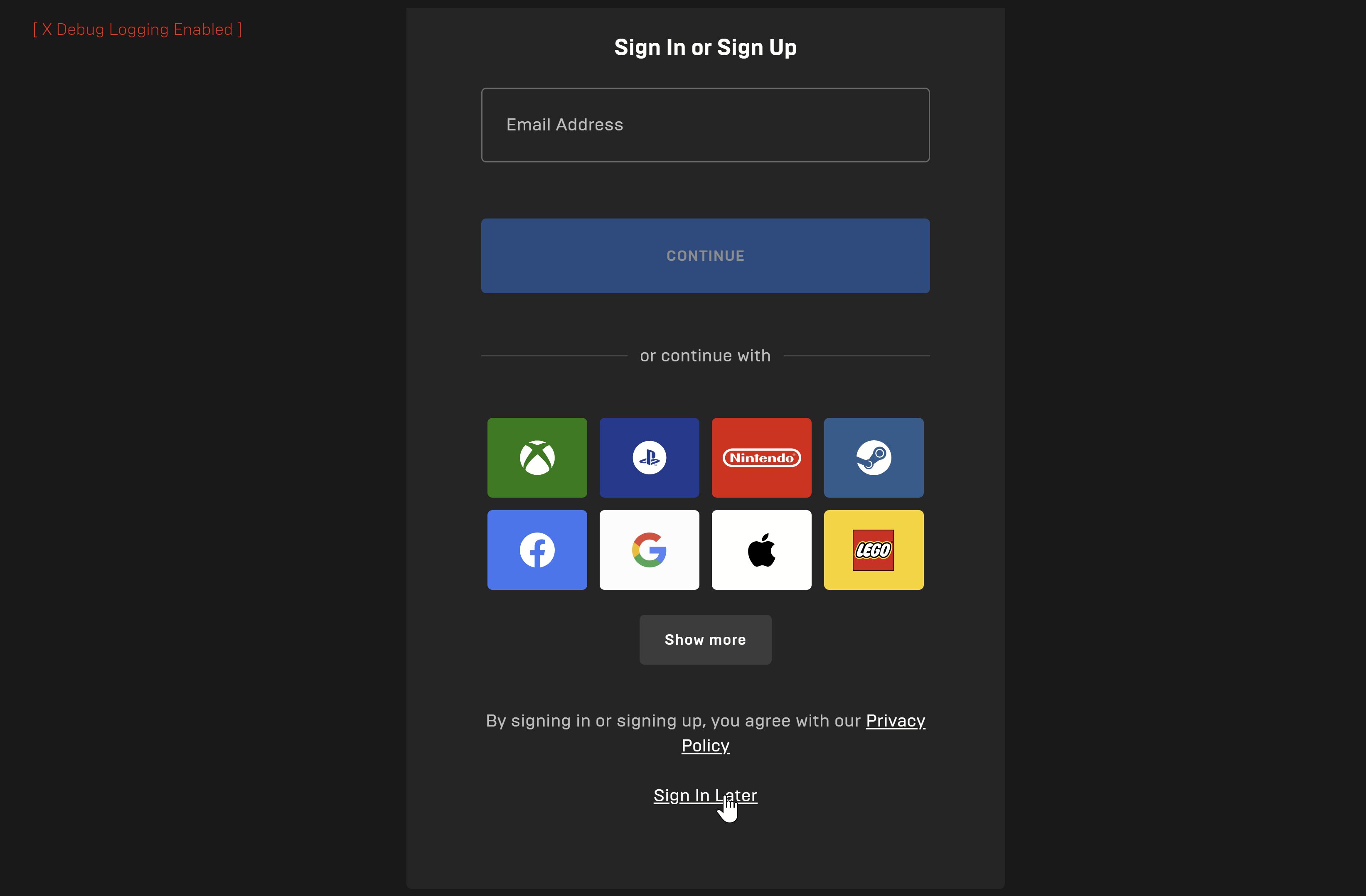
Click the game you want to download and it will automatically redirect you to sign in page.
Sign in to your account.
Click Download.
Epic Games Launcher Preview
If you encounter this issue when using Epic Games Launcher Preview, please submit a bug report. Refer to How do I provide feedback and suggestions or report a bug for the Epic Games Launcher Preview?